
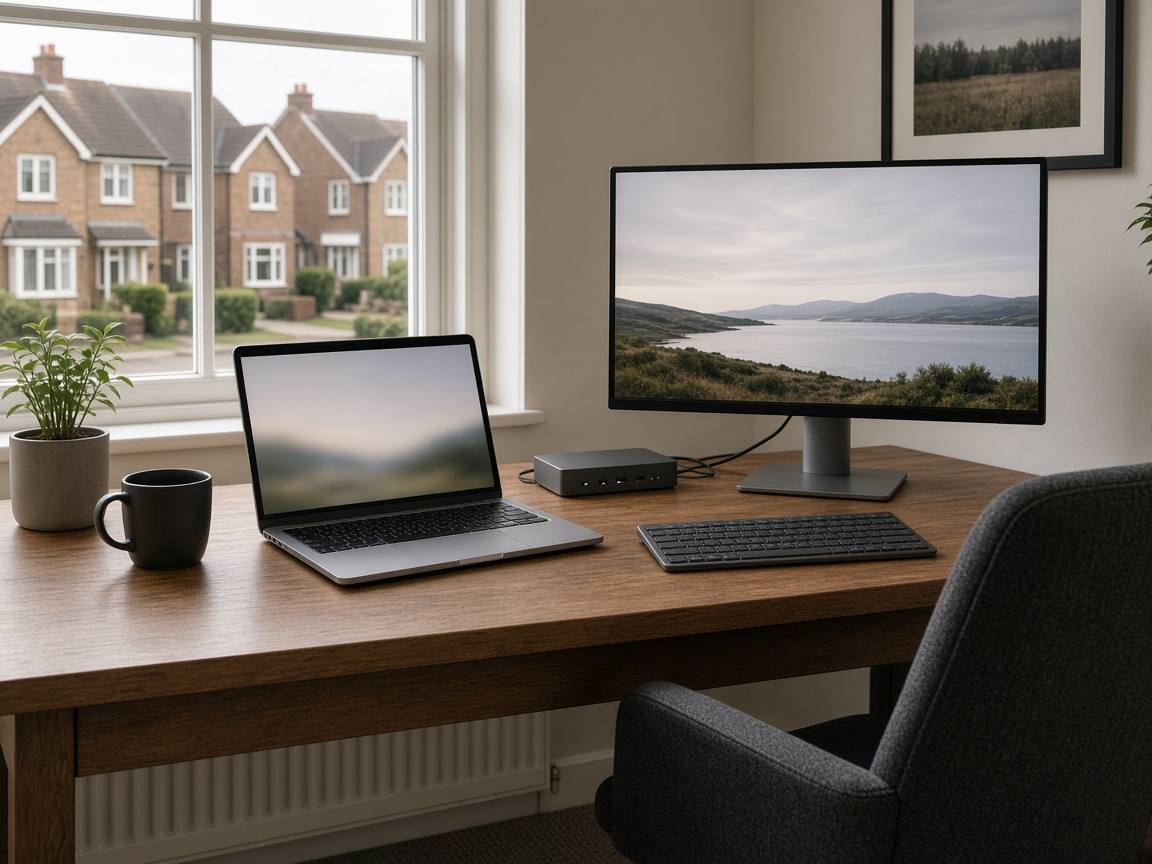
Working off a 14” laptop at the kitchen table gets old fast. We set up home desks in Basildon, Laindon and Wickford with one monitor, a dock and a keyboard.
If calls still drop once the desk is sorted, the next suspect is the Wi-Fi, and the Basildon Wi-Fi guide covers that. Start with the ports, though, because a mismatched dock can look like a slow connection.
USB-C docks aren’t all the same
A dock is a small box that plugs into one USB-C port on your laptop and gives you screen, USB and charging connections in one go. The laptop’s USB-C port has to accept power, video and data. A small phone-style hub that “has HDMI” may not be able to run a 27” screen and charge a 90W Lenovo at the same time. An underpowered dock can leave the battery draining while it’s plugged in, or make the laptop run slower.
Check:
- Wattage. The dock has to pass on at least what your original charger supplies. If that’s 65W, look for a dock that delivers 65W to the laptop, not just one whose power supply is rated 65W, because the dock uses some of that power itself.
- How it gets the picture to your screen. Docks do this in one of two ways. Some (called DisplayPort Alt Mode) only work if your laptop’s USB-C port can send video. Others (called DisplayLink) work over an ordinary USB port but need a small piece of software installed first. Not sure which your laptop needs? Ask us and we’ll check before you buy.
- One cable. If you’d like a single lead to the laptop, check the dock can handle charging, screens and USB through it.
If the laptop only charges from a round ‘barrel’ plug and has no USB-C charging, a standard USB-C dock won’t power it, so keep the original charger plugged in.
Docks run warm in normal use. If yours is too hot to leave your hand on, check it isn’t shut in a closed cabinet or buried behind a monitor, and give it air.
The monitor: 1080p is still fine
You don’t need a 4K panel for Word and Outlook. A height-adjustable 24–27” screen at 1080p or 1440p is plenty, with an HDMI or DisplayPort cable that actually fits the dock. A plain, flat office monitor suits a work desk better than a curved gaming one.
If the laptop lid is cracked, fix that first. A screen replacement plus an external monitor is a common pair: the lid for travel, the bigger screen on the desk. Wickford panel labour is on the screen repair page.
Two monitors work well if the dock and the laptop can both run them.
Keep the laptop cool on the desk
Running a laptop closed-lid on a cushion can lead to fan noise and thermal throttling, where the laptop slows itself down to stay cool. A stand that lets the underside breathe helps. If a desktop PC is dusty or sits by a radiator, our dust and cooling service can help.
If the machine still has a spinning hard disk, a dock won’t make Outlook faster, but an SSD (a modern, much faster type of storage drive) usually will. And if Windows 11 went onto 8GB of RAM (the computer’s working memory) and a hard drive, read the upgrade help before buying a bigger screen.
When the desk is fine and the laptop isn’t
A dock doesn’t back up your invoices. If you run a one-person business and also need email sorted, have a look at IT for solopreneurs.
If a call or pop-up ever got you to install remote-access software, tell us. We’ll check for it free during the setup. If it’s there, a full clean-up is our fixed £69 virus, malware and scam removal.
We can set the desk up
Drop-off at the workshop is by appointment. Call 07367 652987 or send a message and we’ll confirm a time and the address. Collection and return are free in Wickford (SS11/SS12). Elsewhere, collection is by arrangement. You can book through Basildon PC repair, Wickford PC repair or Contact.
Bring the laptop, the charger you use, and the monitor if you’ve already bought one. We’d rather tell you a dock won’t suit your laptop before you open three more boxes. Not sure what you need? Call us or book a free diagnostic and we’ll take a look.
Dock, monitor and home desk setup is from £35, at the workshop or on a home visit in Wickford, Basildon and Laindon. Outside SS11/SS12, home visits are priced by location; we’ll confirm the cost before booking.