
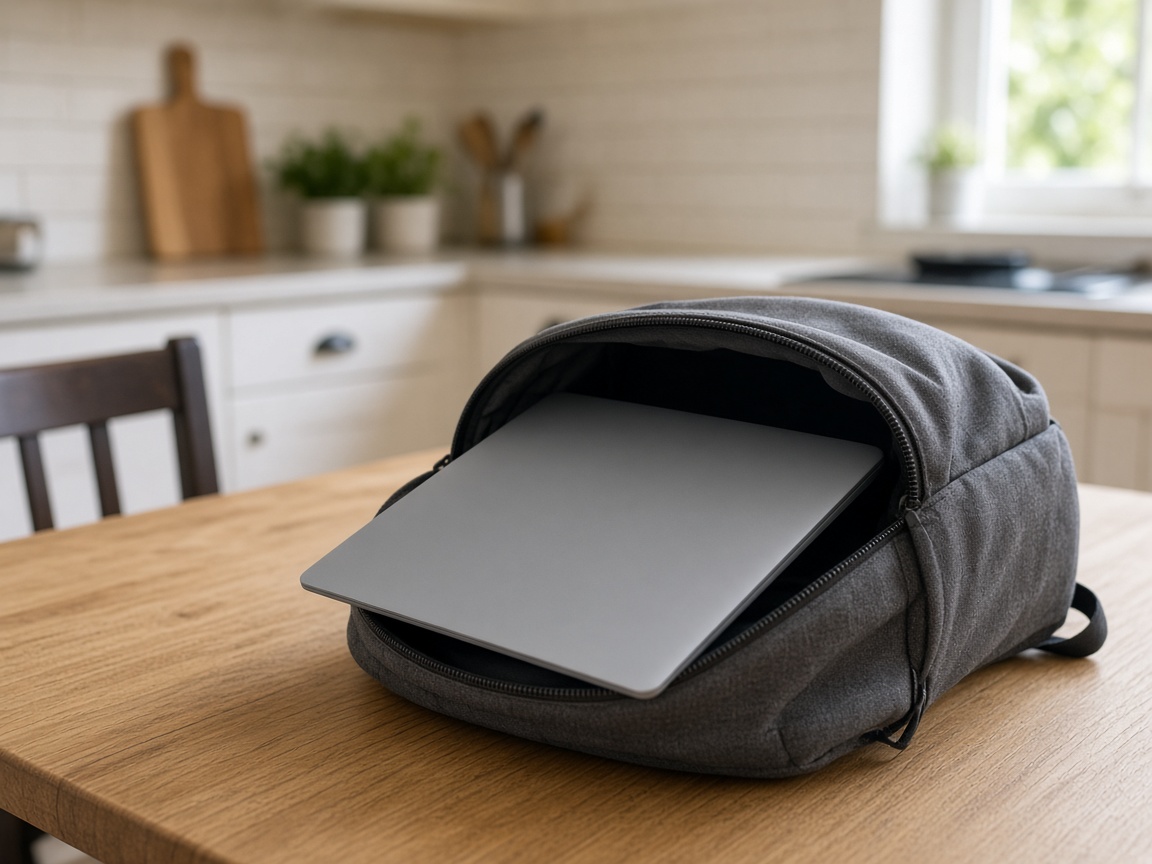
A cracked lid, a bent hinge or a spill from a water bottle in the bag may be repairable locally, and a free diagnostic will tell you where you stand. Chromebooks come in with all three.
Sometimes the machine only needs a screen or a hinge. If the school has quoted for a replacement, check whether an independent repair is allowed before paying or booking. If it is, a second opinion from us on Glebe Road can help you compare.
Check the school policy first
Check the device agreement to see who owns the Chromebook, who pays for damage and who can authorise repairs. If it isn’t clear, ask the school’s IT contact.
Anything your child saved to Google Drive and synced is in the cloud, not on the cracked lid. Files kept only in the Downloads folder, or work done offline that never synced, live on the device and can be lost if it’s wiped.
It’s tempting to try a factory reset (Chromebooks call it a “Powerwash”) to see if it helps, but on a school Chromebook it’s best left to the school. A reset wipes anything saved only on the device, and the school’s IT contact can tell you what’s safe to do.
Before you set off, take a photo of the asset tag and the serial number. The asset tag is the school’s own ID sticker, so it helps their IT team match the repair to the right device on their records.
The three faults we see most on school Chromebooks
- Screens. A backpack zip, another laptop in the same bag, or a drop off the kitchen worktop. The cracked screen guide applies here too. Panel fitting for Windows laptops and Chromebooks is £50 plus the matching panel, as on the Wickford screen page.
- Hinges. Daily opening and closing wears out cheap plastic. If the hinge feels loose or cracks, it’s best to stop using it until it’s looked at. Hinge repair starts from £75.
- Spills. Usually a bottle leaking in the bag. Power it off, leave it uncharged and keep it away from radiators. Then follow the spill steps.
Batteries in older Chromebooks can swell too. If the trackpad is lifting, stop using it and read the battery safety post.
Will Google Classroom still work?
Usually, yes. A screen or hinge repair doesn’t involve wiping the device, so it should stay enrolled with the school. We can replace the main board (the laptop’s central circuit board) too. If a repair ever meant wiping it, we’d tell you before we start, and the school’s IT contact would need to re-enrol it.
If it’s charging slowly, try the charger it came with first. A weaker charger, like a phone or spare one, can make it look like a charging fault when it isn’t.
If a Chromebook is just slow, we’ll find out what’s causing it before suggesting any upgrade. A Windows laptop that gets called “the Chromebook” is a different repair, and that’s often an SSD (a faster, modern storage drive).
Worth repairing vs the school invoice
If the invoice is close to the price of a new Chromebook and the case is in three pieces, replacing it can be the sensible choice. A cracked panel on an otherwise straight lid can cost less to repair than replacing the whole Chromebook, and it wastes less, for the reasons in repair vs replace. We’ll give you a fixed quote so you can compare it with the school’s invoice.
Collection and return are free in Wickford (SS11/SS12). Elsewhere, collection is by arrangement. From Basildon, Billericay or Rayleigh, you can also drop it at the workshop by appointment. If it’s mainly the screen, the screen sections for Rayleigh and Southend cover that job.
Drop-off
Drop-off at the workshop is by appointment. Call 07367 652987 or send a message, or book through Wickford laptop repair or screen repair, and we’ll confirm a time and the address.
Bring the charger and the asset-tag photo, and let us know if the school has said anything about who can repair it. If you’re not sure where to start, book a free diagnostic and we’ll tell you straight whether it’s worth repairing. If it isn’t worth saving, No-Fix, No-Fee means you don’t pay for labour.