
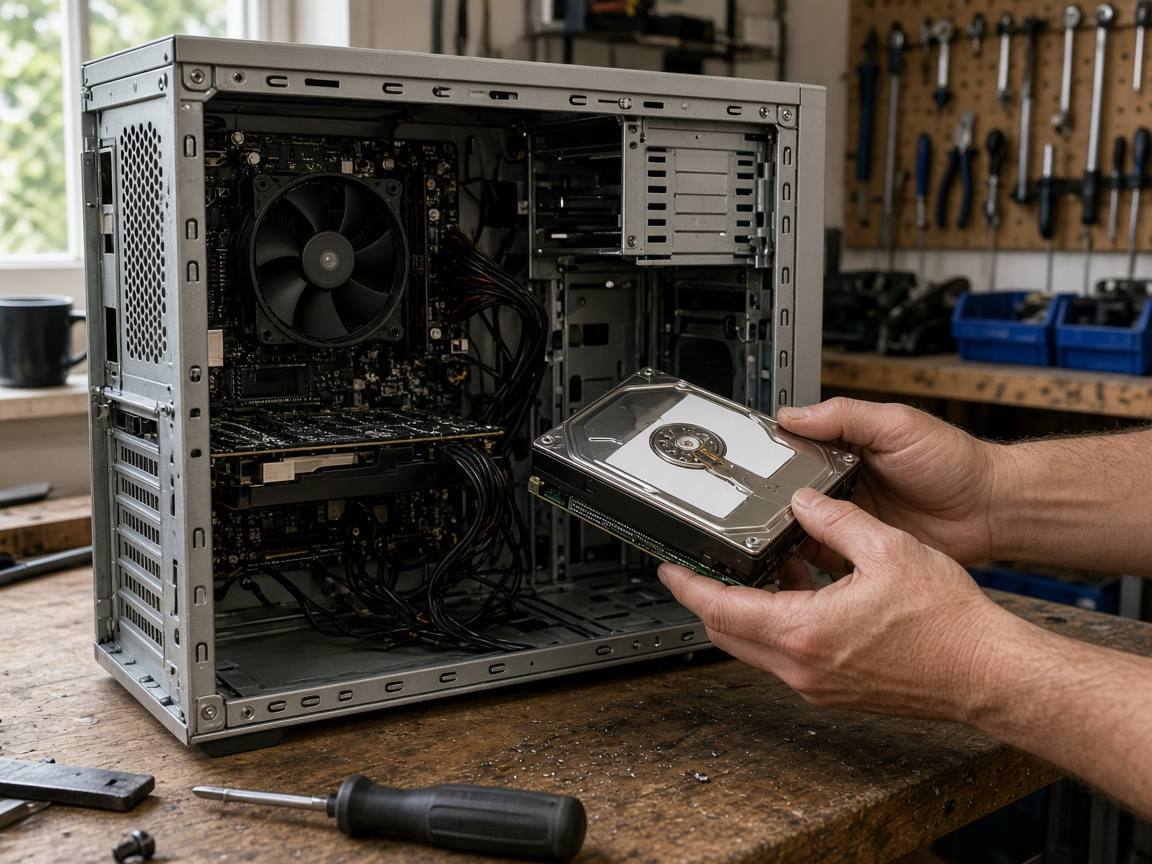
Good news first: a clicking drive may still be recoverable if you stop using it now. A repeated clicking or grinding from a desktop or an older laptop often points to a failing hard drive. It isn’t something Disk Cleanup or a Windows tweak will sort out, and every extra hour of use can make recovery harder.
If you remember one thing: power it off and call 07367 652987. Drop-off is by appointment. Leave chkdsk (a Windows tool that scans and repairs a disk, and can make things worse on a drive that’s physically failing) and any copying of the drive to us, because long read attempts can damage a failing drive further.
If the files matter, we’ll explain the data recovery options and costs before discussing an SSD upgrade (a faster drive with no moving parts). The data recovery blog explains how recovery works.
What you’re hearing
Mechanical drives (3.5” in desktops, 2.5” in laptops) have read heads (the drive’s moving parts that sit over the spinning discs). Some noise is normal: a soft whirr as the disk spins up, a quiet tick or two as those moving parts park when it sleeps, and light chatter while it’s busy reading.
What’s not normal is the same click repeating every second or two, a click followed by the drive spinning down and up again, or a grinding or scraping noise. That pattern usually means the moving parts are struggling to read and retrying. SSDs have no moving parts, so if your laptop only has an SSD, a tick or rattle is coming from something else, such as the fan, and is still worth getting checked.
Windows may also show:
- Disk at 100% in Task Manager while nothing is copying
- “Scanning and repairing drive” appearing every time it starts
- A SMART warning (from the BIOS, the PC’s start-up settings, or a drive-health tool), such as “Caution” or “predictive failure”
SMART is the drive’s own health check, and a warning matters even if the drive’s quiet. A blue screen with disk errors can be the same problem showing up a different way.
What to avoid, and why
- Keep it at room temperature, even if you’ve read about the freezer trick online (it can cause condensation inside the drive).
- Switch it off and leave it off, rather than pressing Reset until it “comes back”.
- Keep recovery apps off the failing disk. Installing one can overwrite the files you want back.
- Hand it to someone you can talk to if the data can’t be replaced. Before posting it to an address from an advert, ask how they’ll copy the drive.
If you’ve got a backup, a failing drive is a hardware swap. Without one, treat it as urgent. Ransomware on a clicking disk is two problems at once. Disconnect it from the network first, then switch it off so the failing drive isn’t worked any harder, and call us before trying anything else.
What we do on the bench
We assess the drive first. If a clicking drive needs opening, that’s a job for a specialist clean-room lab (a dust-free lab where drives can be opened safely), so we refer it to Fields Data Recovery on their terms, and we quote before any work starts. Once your files are safe, we’ll talk about moving you onto an SSD, and the PC will usually start much faster. Prices and limits are on the data recovery page.
Laptops that are just slow, with no clicking, can skip recovery and go straight to an SSD (£65 plus the drive, including fitting and data transfer). If the drive is clicking, hold off on a Windows 11 upgrade until your files are safe, as it could cost you the only copy of your photos. The upgrade help assumes a disk that still reads properly.
Towers vs laptops
In a desktop, the noise usually comes from the larger 3.5” disk. Laptops hide a 2.5” drive under a hatch or the whole bottom panel.
If a gaming tower also stutters, the FPS guide is the next step once the disk is safe.
If the laptop also has a loose hinge or a cracked lid, we deal with the drive and your files first and leave the physical repairs until they’re safe. Hinge repair starts from £75.
Get it here without making it worse
Bring a clicking drive to us rather than posting it. Drop-off at the workshop is by appointment: call 07367 652987 or send a message, and we’ll confirm a time and the address. You can also book through Wickford PC repair.
Collection and return are free in Wickford (SS11/SS12). Elsewhere, collection is by arrangement. From Basildon, Billericay, Rayleigh or Chelmsford, you can also drop it at the workshop by appointment.
When you get in touch, tell us whether the photos matter more than the machine. You can book a free diagnostic. We’ll tell you what’s wrong and what it costs before any work starts. Recovery is quoted separately.